Loading…

From idea to playable in minutes. No coding. No installs. Instant play-testing. Start in the browser and export when you are ready. Build for Web, Windows, or MacOS (In Development).
Price history tracked since Jul 7, 2026 · vs all tracked offers.
Based solely on tracked price history — not purchase advice.
Tracked since Jul 7, 2026.
Steam Social Deduction Fest ends
Official stores with direct support.

From idea to playable in minutes. No coding. No installs. Instant play-testing. Start in the browser and export when you are ready. Build for Web, Windows, or MacOS (In Development).
Built for indie developers, educators, and hobbyists. The engine is in beta.
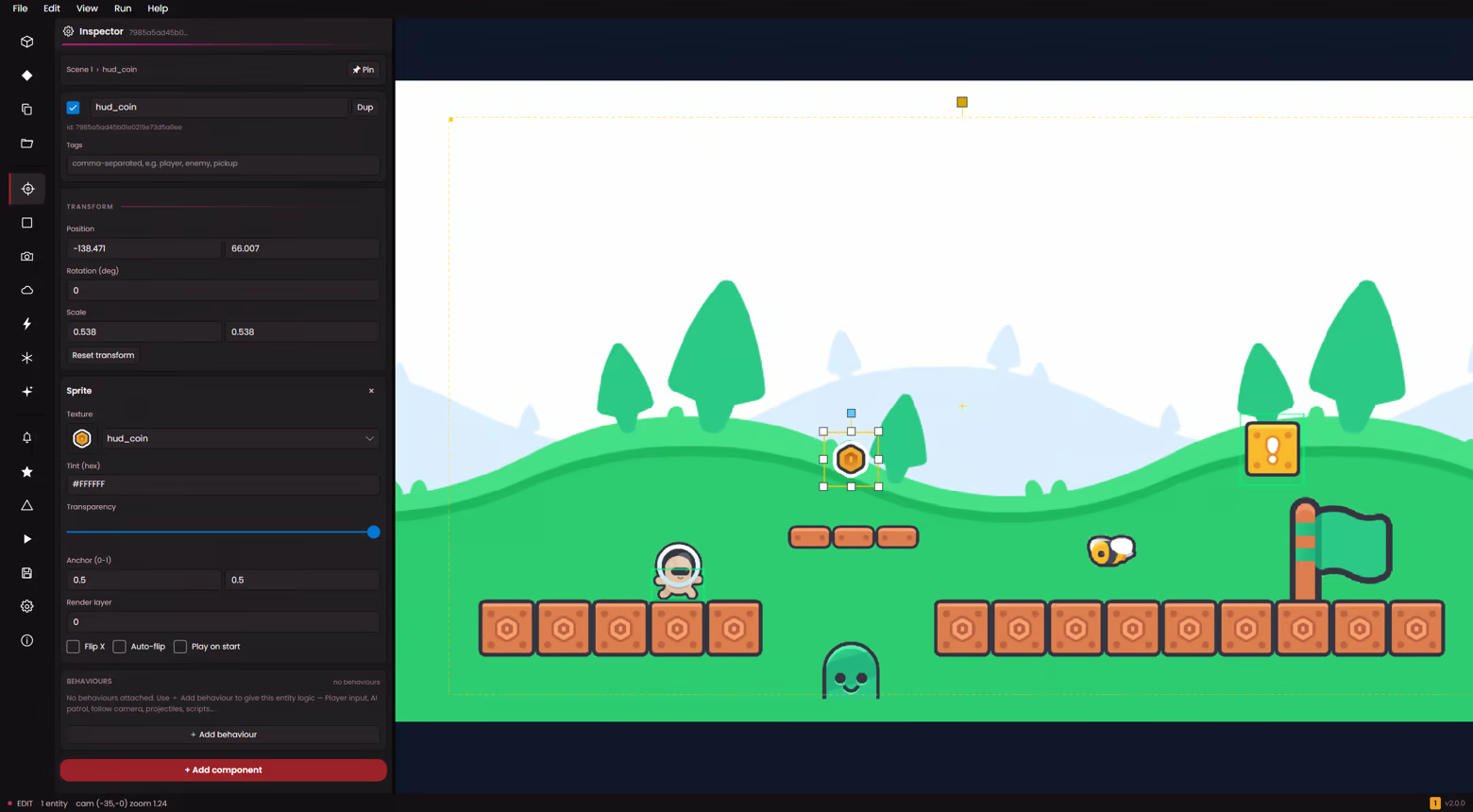
Drag a sprite into the scene, tweak it in the inspector, press Play. Move panels where you like, undo any mistake, drop in art and audio and they show up instantly. Hit Ctrl+P to find any command.
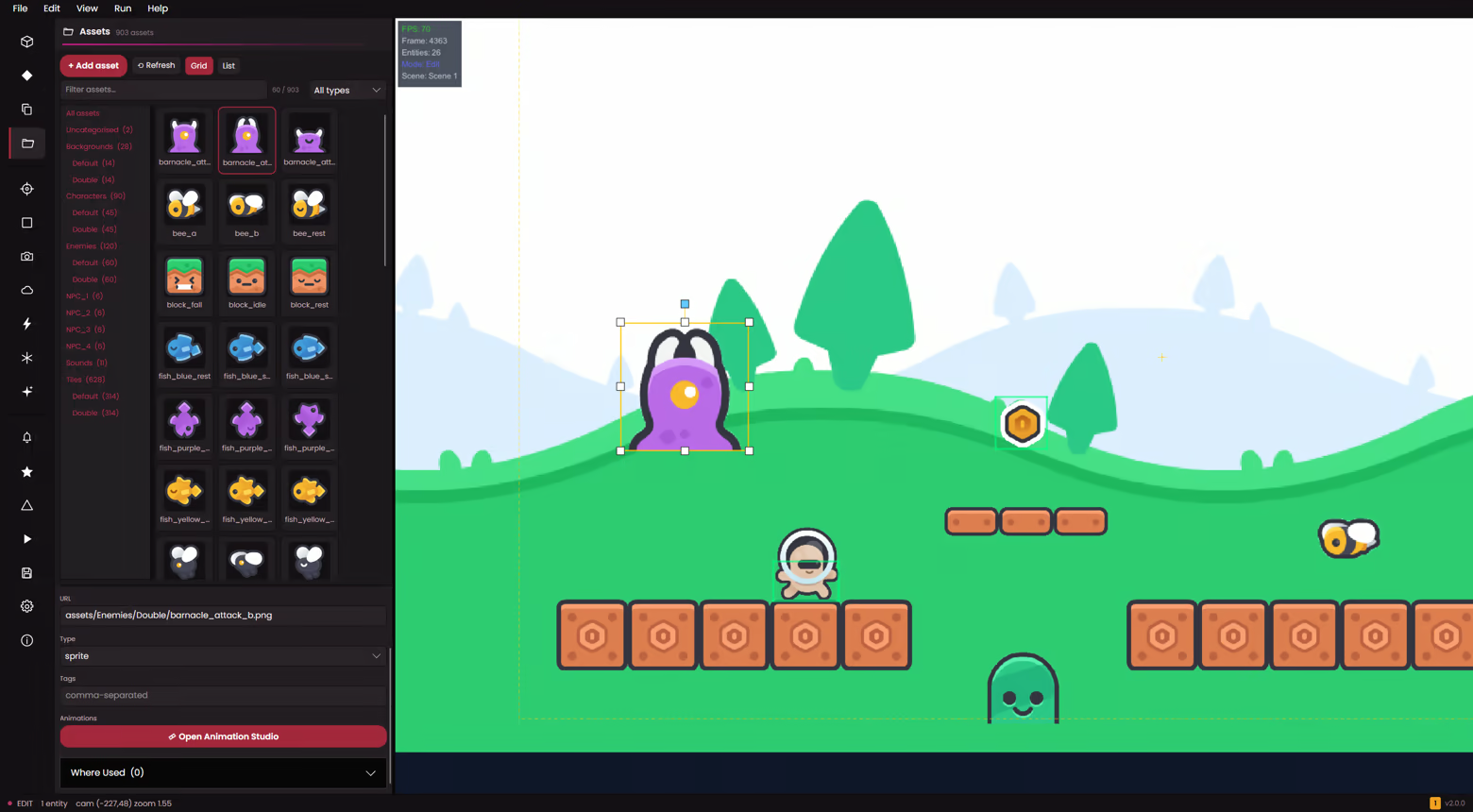
Drag new sprites or sound into your project folder and they appear in the Assets panel instantly. Audio is auto-converted to a compact format, and the Asset Doctor catches anything broken or missing.
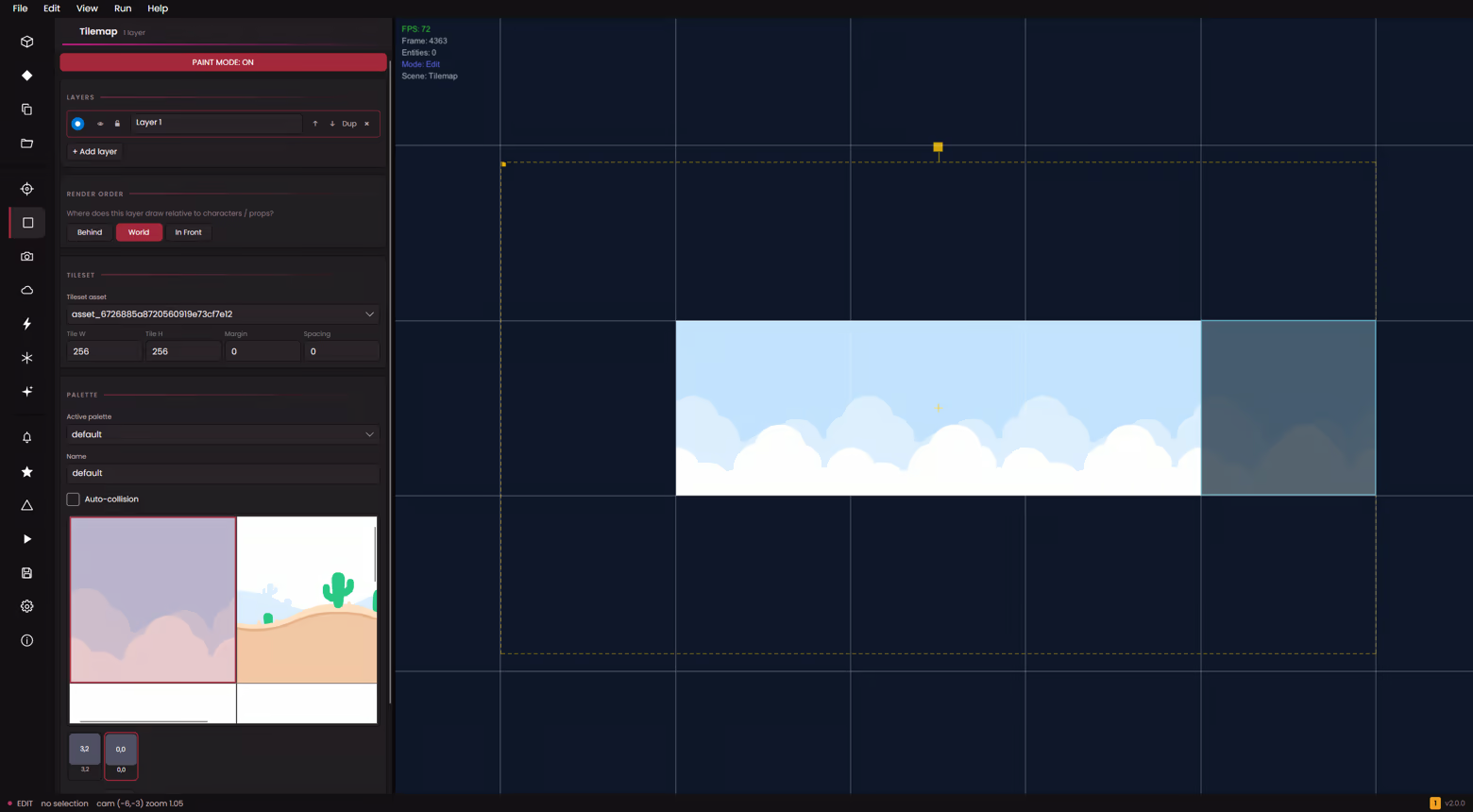
A full-screen canvas with brush, fill, rect and line tools, per-stroke undo, and tile-size presets. Pick each layer's render band so tiles weave in and out of your entities — no flat single-layer ordering.
Slice a sprite sheet into frames, set the FPS, choose whether it loops, and scrub a live preview. Keyframe position, rotation and scale on the timeline — with a safe fallback if a clip ever goes missing.
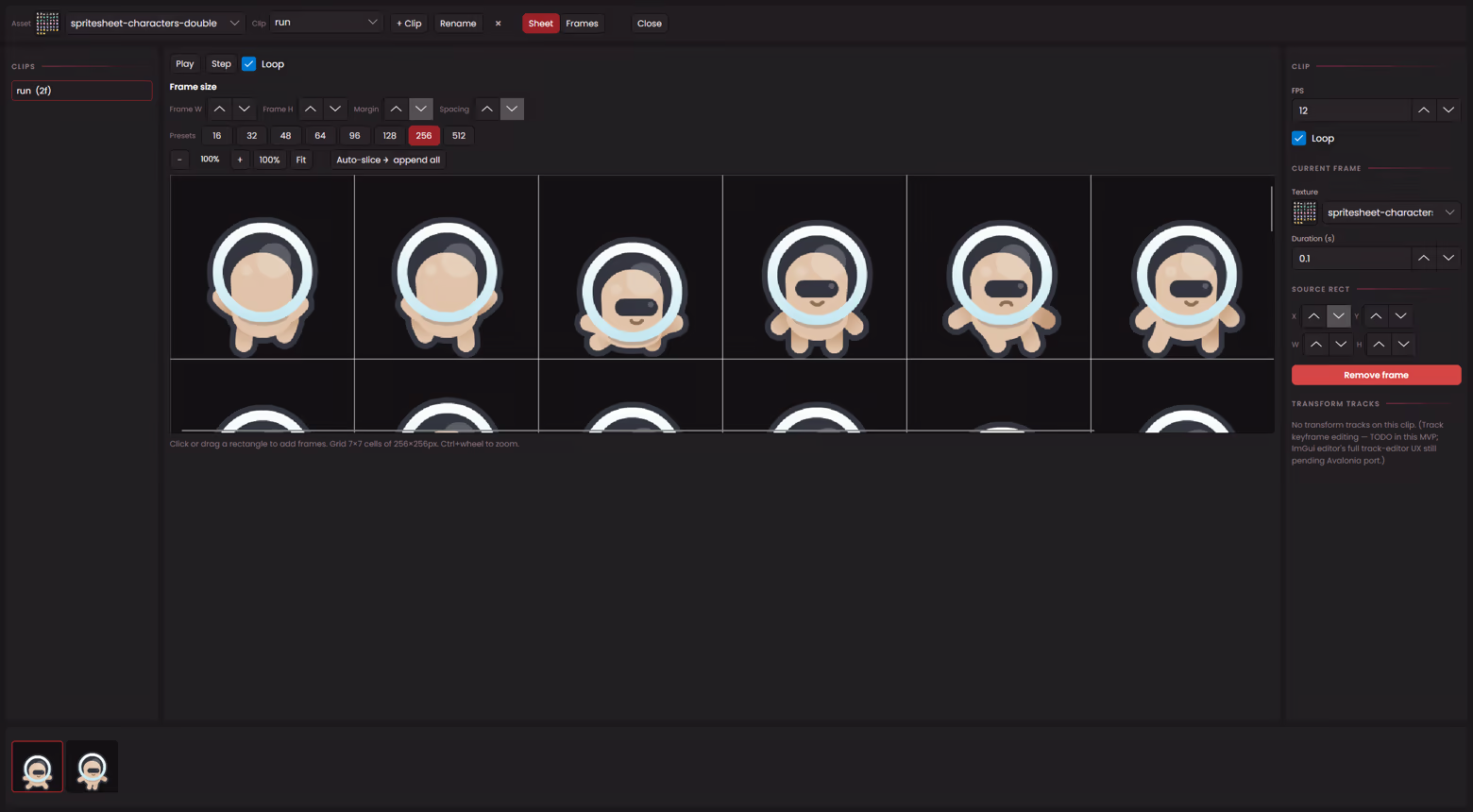
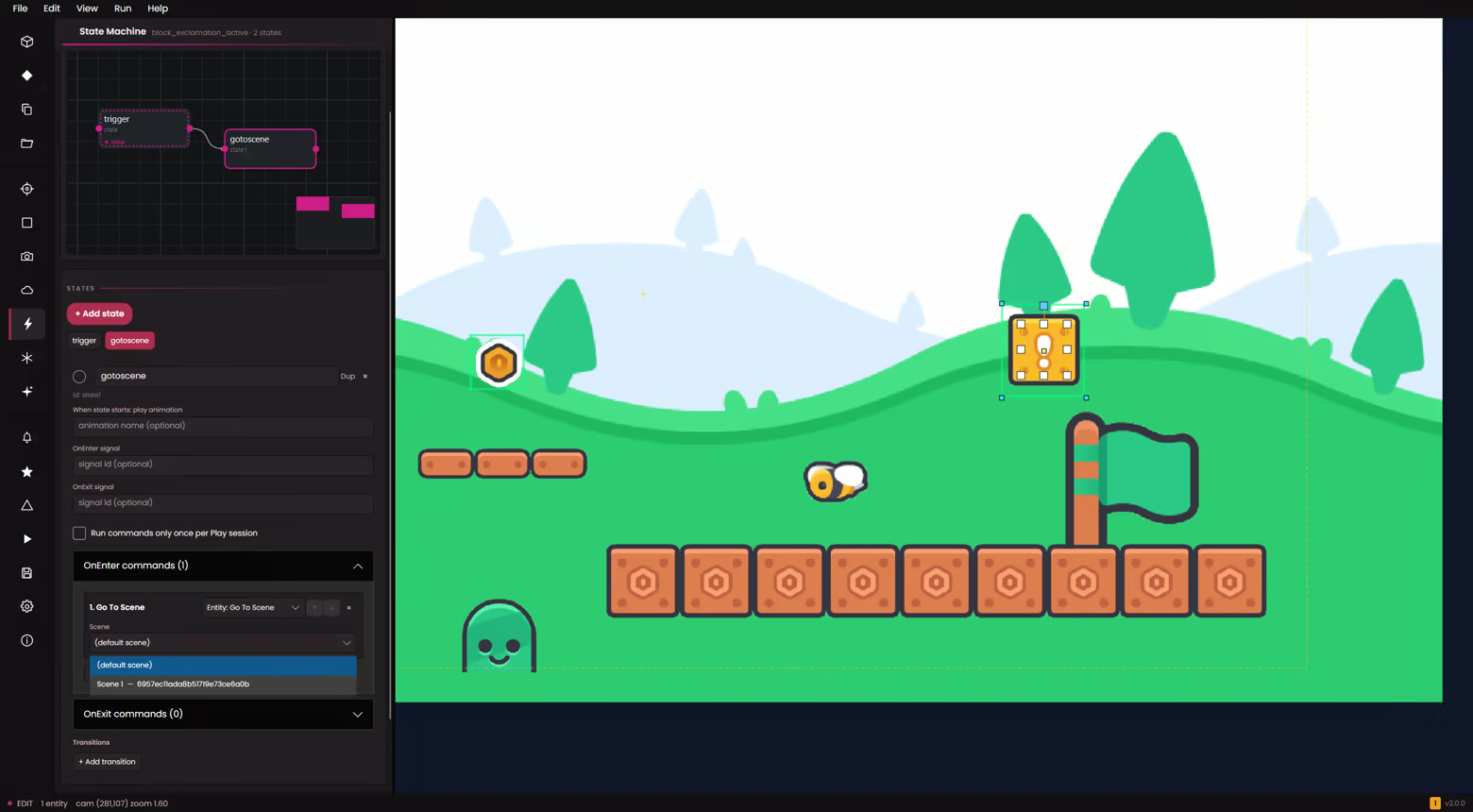
Give each entity named states — Idle, Walk, Attack, Hurt — and wire transitions with conditions and priority on a pan-and-zoom graph. Run actions on enter or leave, and auto-assign an animation per state.
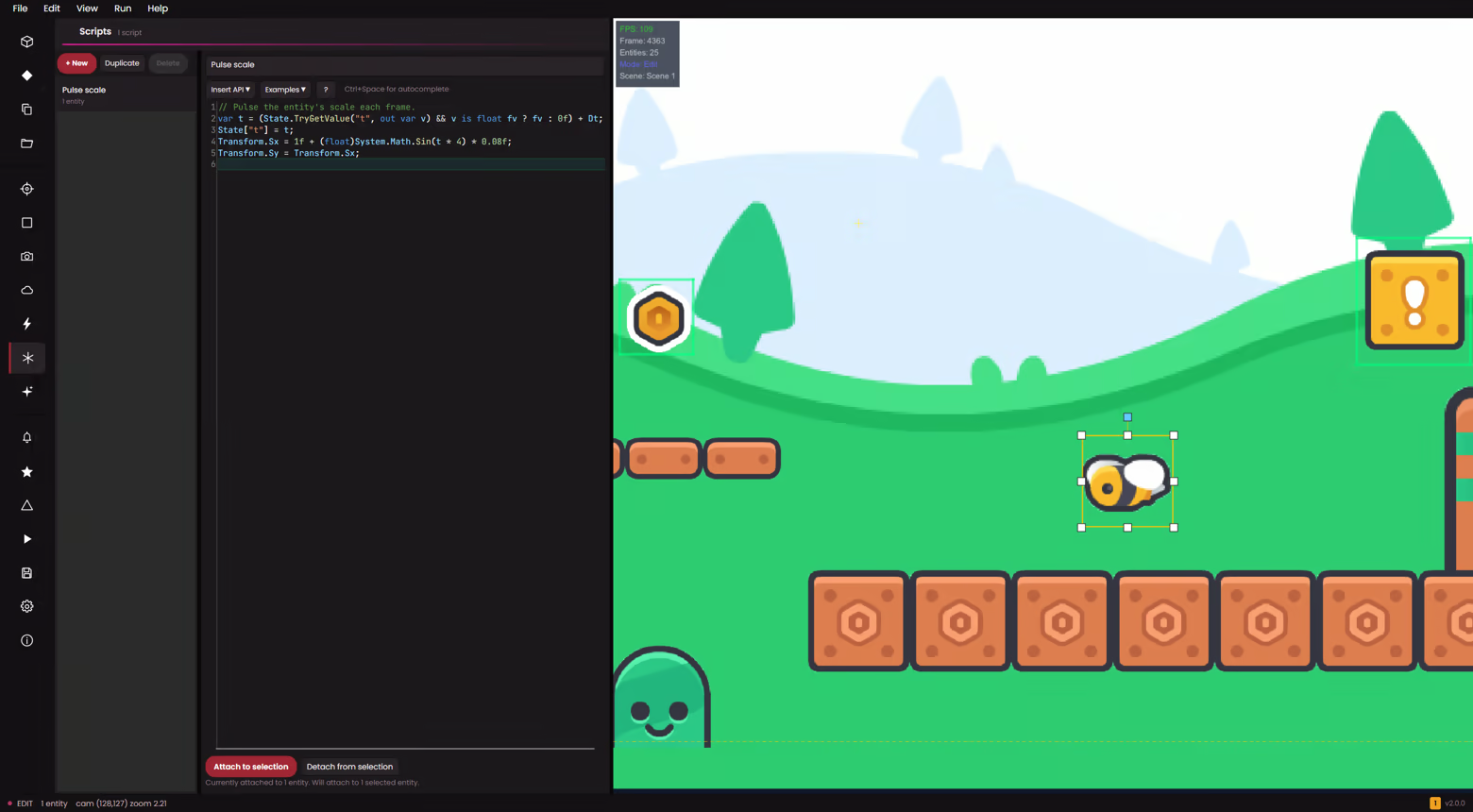
When 33+ behaviours aren't enough, attach a per-entity C# script. It compiles live in the editor — no rebuild step — and runs sandboxed, so scripts can't touch the file system, network or OS internals.
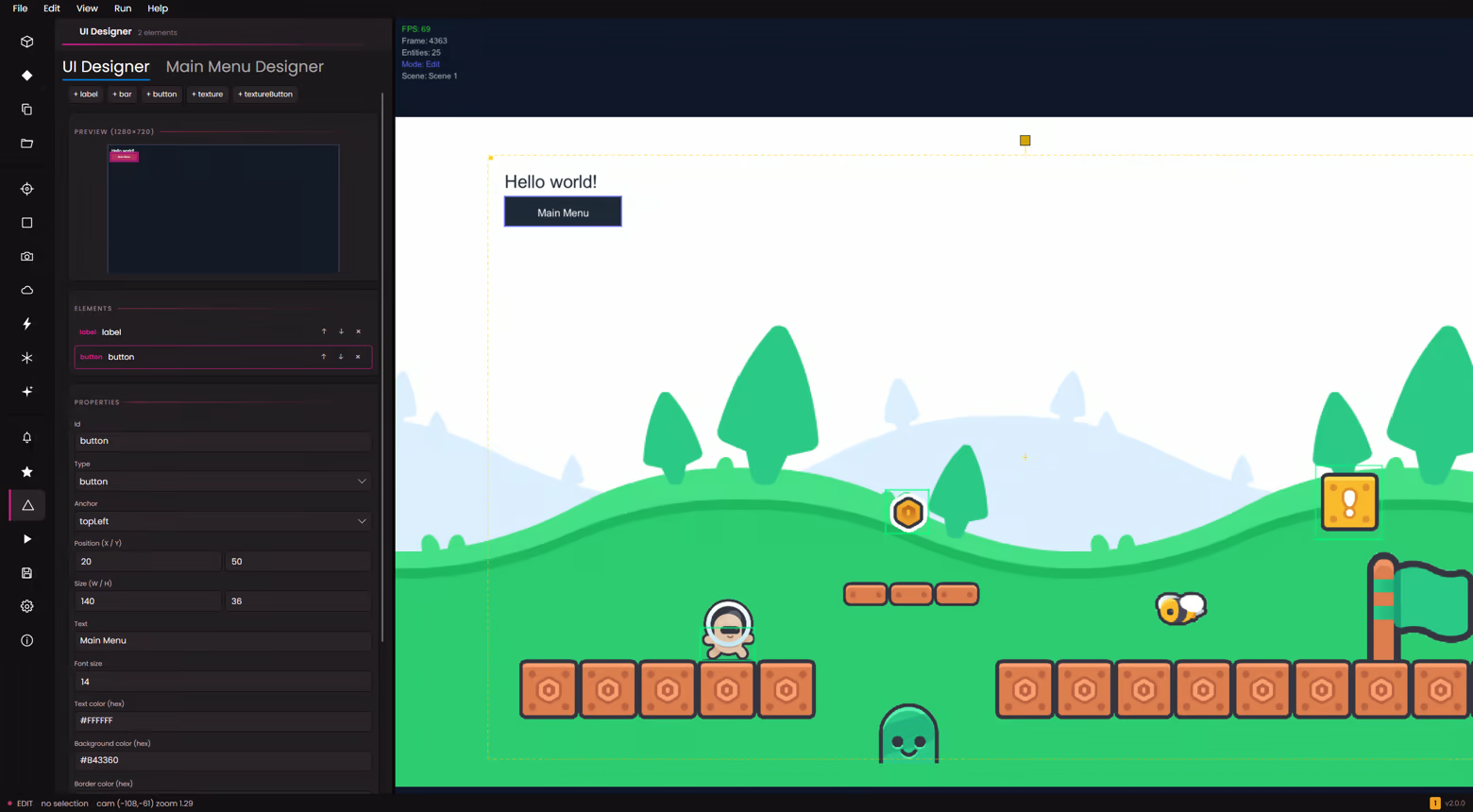
Lay out title screens, menus and overlays visually with labels and buttons. Wire button actions to send a signal, jump to a scene, or set a variable — then reuse a scene as a permanent HUD across your game.
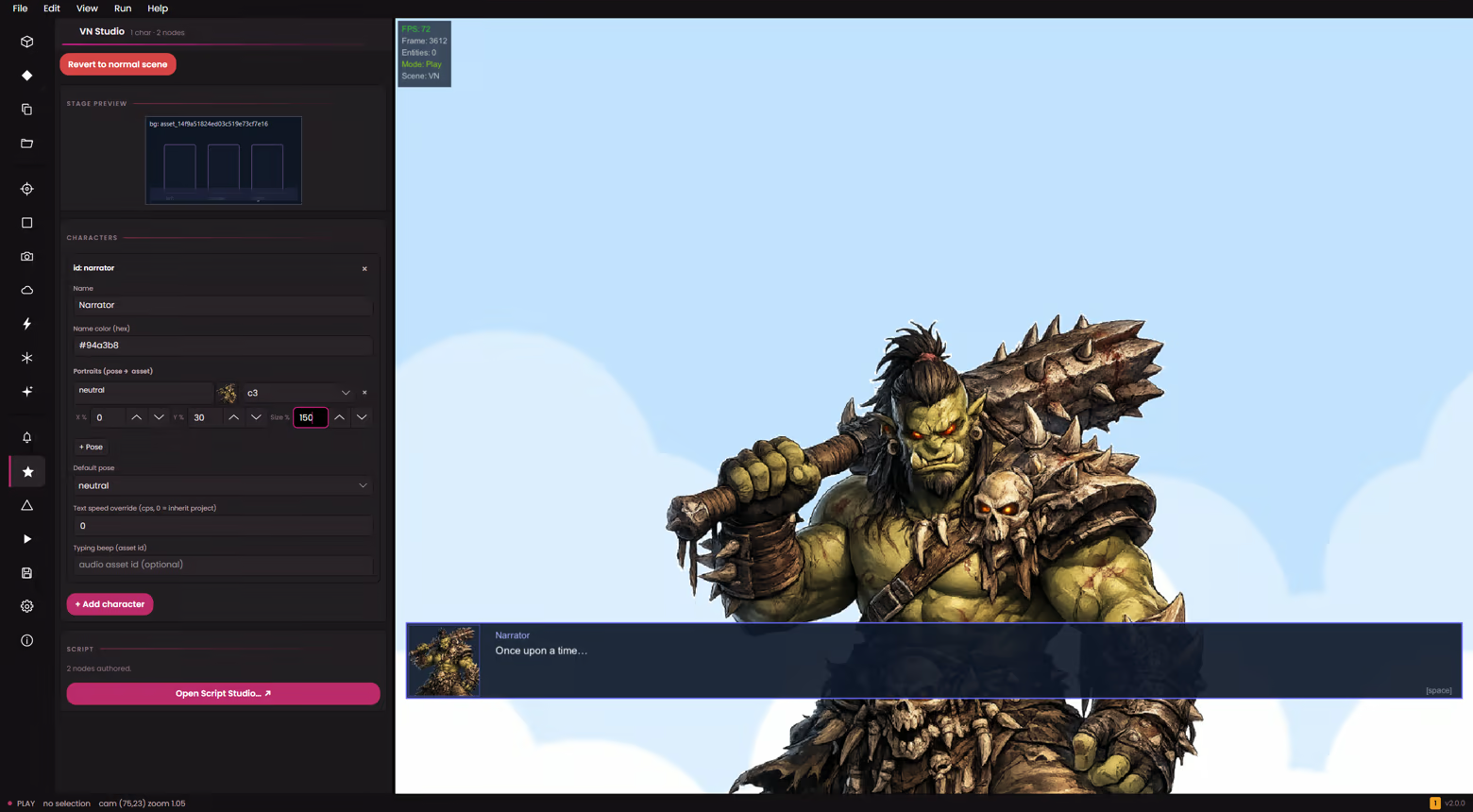
Branching dialogue with choices, a typewriter effect and a 200-line backlog. Place character portraits, set variables and emit signals, and theme bubbles, positions and choice styling across 50+ knobs.
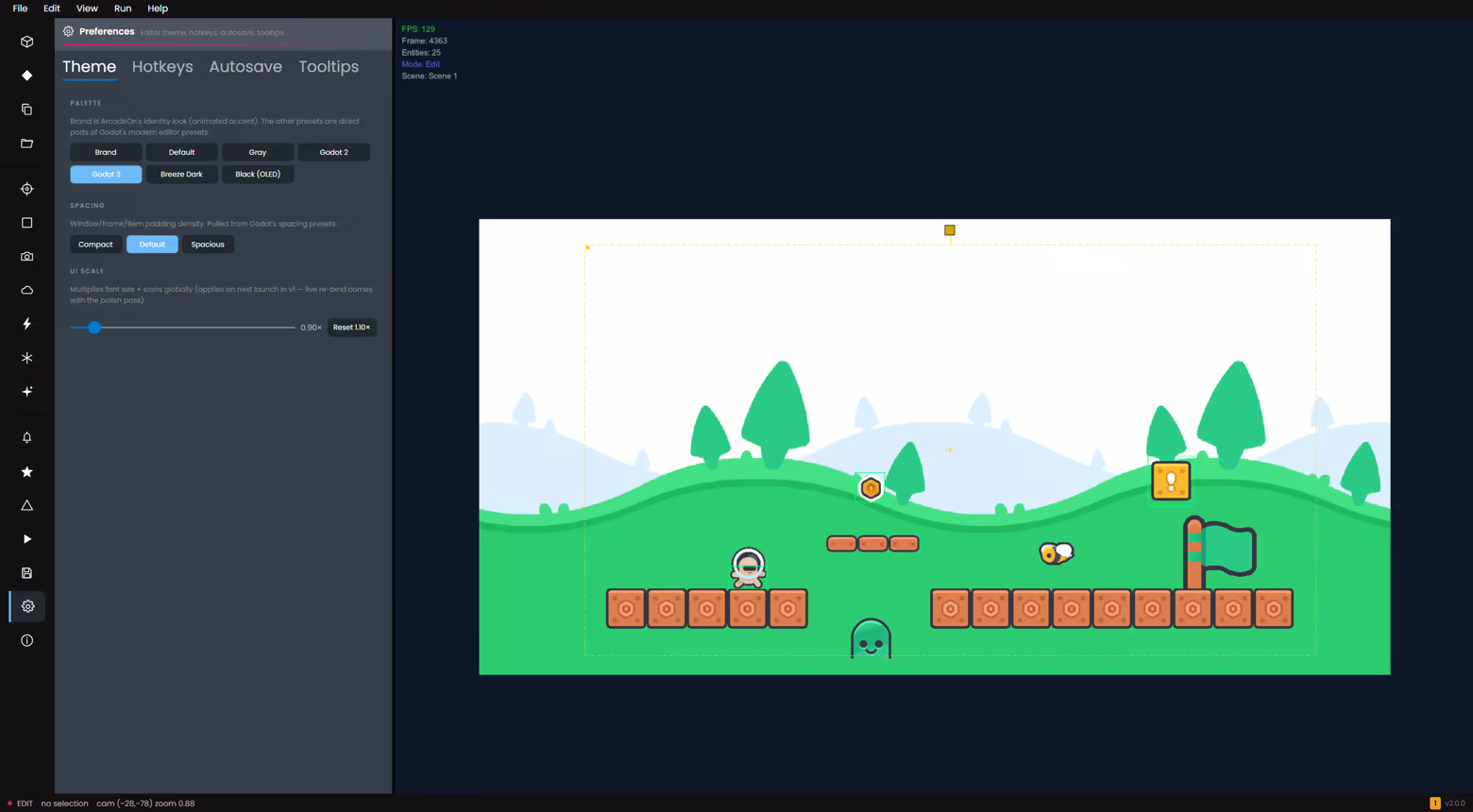
Seven themes — including animated brand colours and dark / OLED options — plus a live UI scale slider and Compact, Default or Spacious spacing. Set it once and the whole workspace follows.