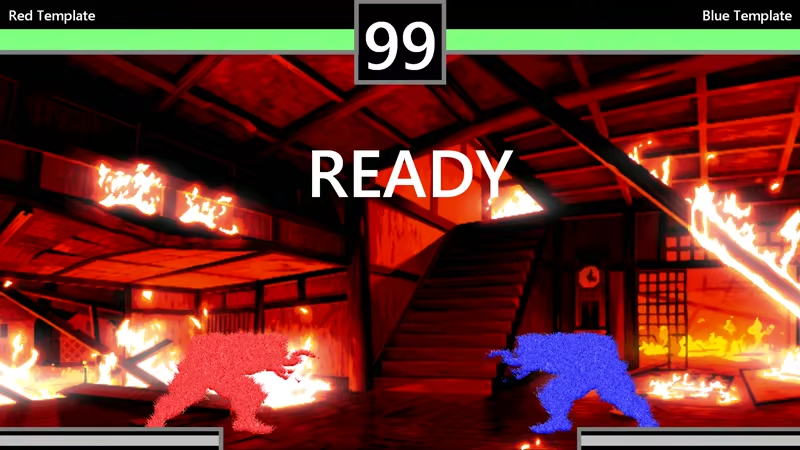
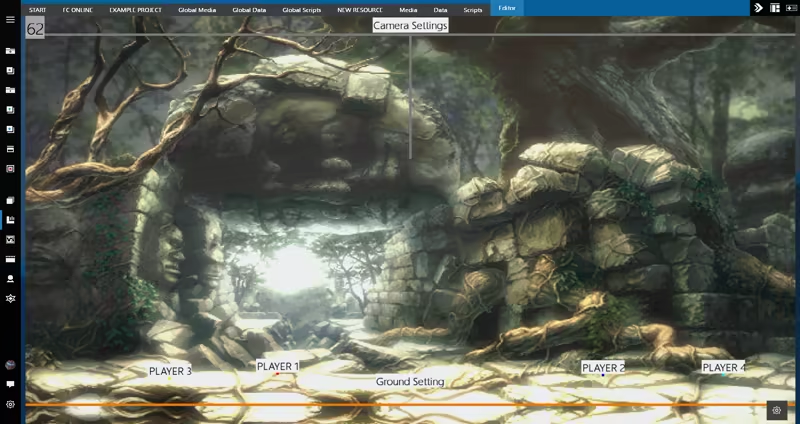
THE INTERFACE
There is no other Game Editor that looks and animates the way Fighter Creator does. With a simple, clean, and personalized design you will most definitely enjoy working with :
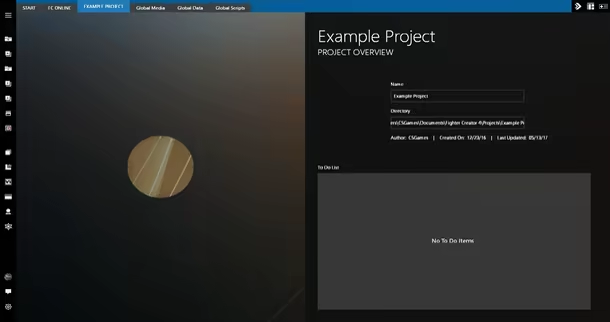
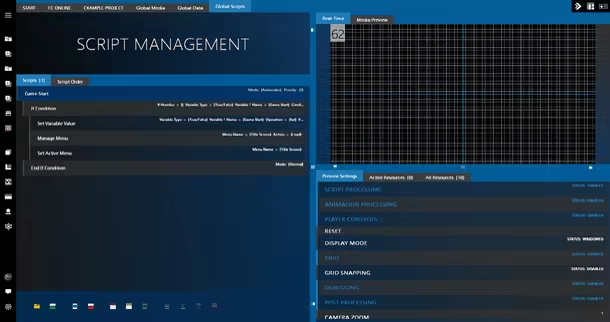
The editor also supports custom colors and the usage of custom backgrounds for projects and resources.
CREATION TOOLS
Fighter Creator provides a series of tools to build your game piece by piece :
Media ManagementImport sprites, audio, and videos, or rip sprites from sprite sheets in the editor for use in your projects.
Supported Image Formats - PNG, BMP, JPG, DDS, TGASupported Audio Formats - OGG, FLAC, WAV, MP3, AIFFSupported Video Formats - AVI, MOV, QT, MPGData ManagementVariables are used for storing and retrieving data needed to develop game systems.
Whether you are building a stage, designing a cinematic, or setting up a special effect, objects are used to display any sprites on screen.
Script ManagementScripts add functionality to every aspect of your games. Loading/Unloading resources, creating attacks for characters, and configuring game modes all require scripts to make possible.
Predefined Scripts can also be created to work as a template for creating an additional set of scripts, drastically speeding up the process.
Menu EditorDesign your own title screens, character/stage selection screens, heads up displays, and whatever else you may need for your game.
Stage EditorCreate large, multi-layered stages for players to fight in. Add hazards, destructible objects, secret areas, and more.
Cinematic & Special Effect EditorSetup scripted events to display intros and outros for your characters or progress your game's story.
Easily create amazing, detailed explosions that can damage other players or trigger special stage events.
Save File SystemAllows your games to save data so that you could add support for features like unlockable characters and story modes.
FEATURES
4K Ultra HDFighter Creator can scale up or down to any 16:9 display resolution, meaning you can focus on building your games and be assured it will look just they way you want it to at 720p to 4K. You can also setup your games to use different assets depending on the selected resolution.
Detailed Image ManipulationUpscale your game's sprites to higher resolutions without adding unnecessary artifacts and pixilation.
You can also change the look of these sprites by using an extensive set of image filters.
Post ProcessingColor Grading and Bloom effects allow you to dramatically alter the way your games looks in real-time.