

OVR Locomotion Effect Demo
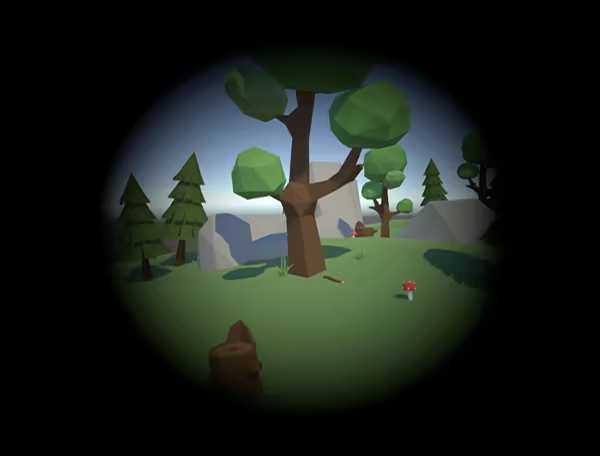
This is a free demo version of "OVR Locomotion Effect". VR Overlay tool that aims to reduce VR motion sickness. It displays various effects to HMD based on your thumbstick input. You can use these effects in any VR games.

Offers
What are keyshops?No offers tracked in EUR yet.
About OVR Locomotion Effect Demo
This is free demo of "OVR Locomotion Effect". Please see the full version store page for description.
In this demo, you can try the base tool all features in free. Only difference to the full version is that the demo has time limit to each try.
You can actually check the overlay with any VR game. Please check whether it reduces motion sickness to you.
How to try this demo?
1. Launch the tool then click bottom icon on the SteamVR dashboard. (White blurred circle in the black background) 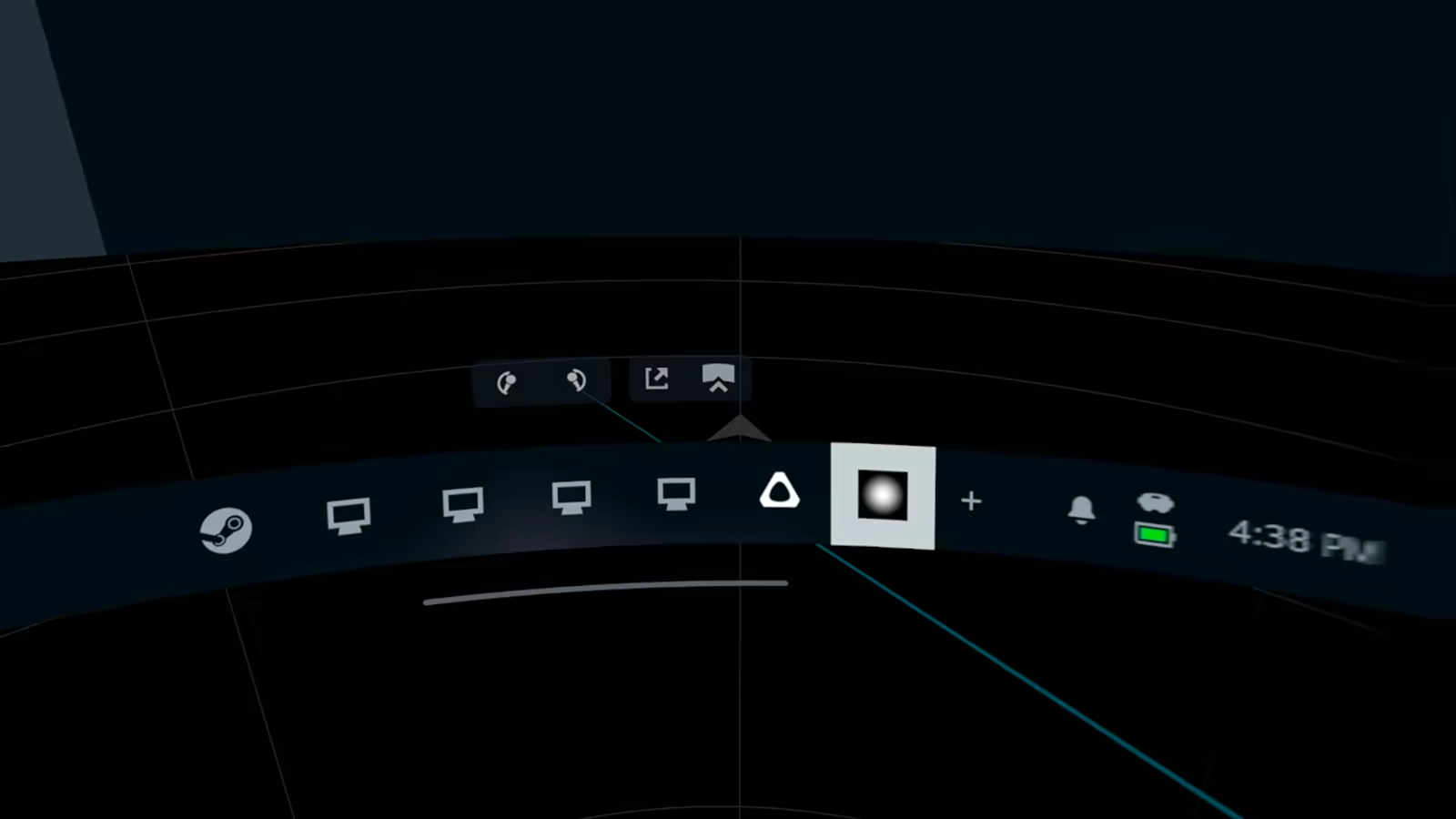
2. Click "Start Demo" button then trial timer starts.
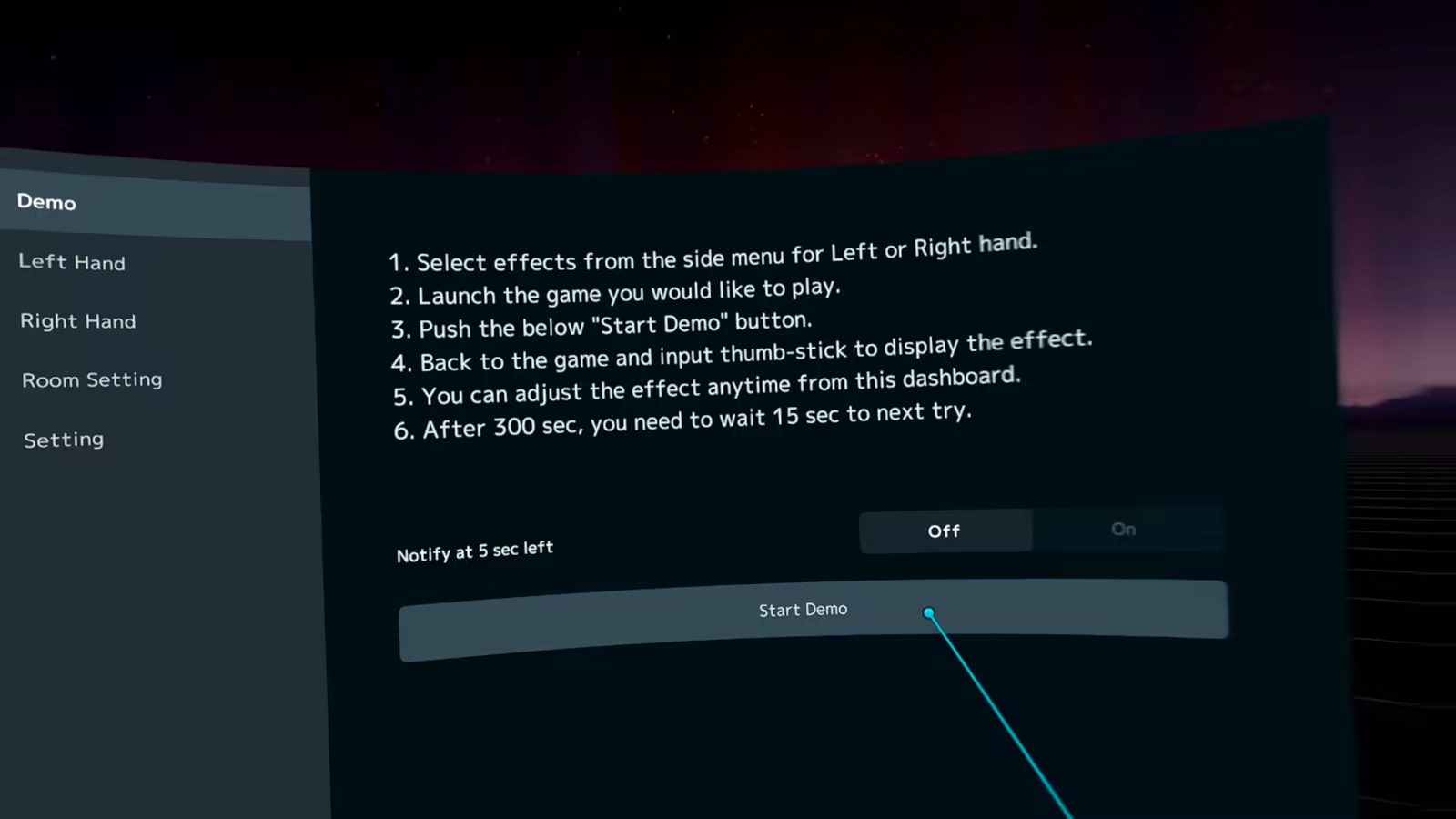
3. Close the SteamVR dashboard and input the left thumbstick, then an effect is displayied in your HMD. You can try all features on any VR games you have.
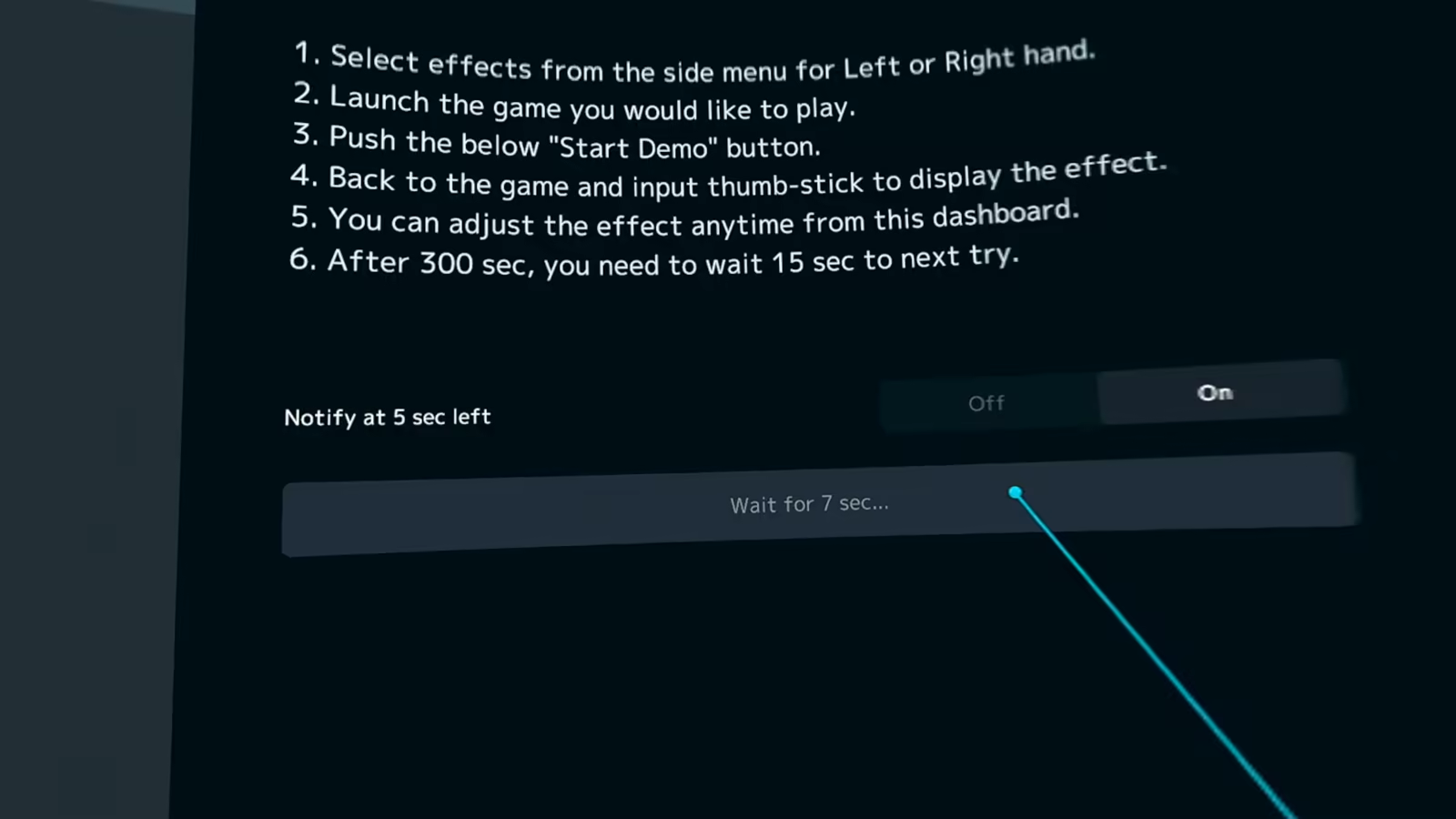
4. After 5 minutes, you must wait 15 sec to next try. After 15 sec, you can push the start button again. There are no trial count limits.
How to use?
Please check "View the manual" in the sidebar of this store page.
Game details
Game details
Age ratings
Languages
Features
System requirements
Minimum
- Requires a 64-bit processor and operating system
- OS: Windows 10
- Processor: Intel Core i5-4590/AMD Ryzen 5 1500X or greater
- Graphics: NVIDIA Geforce GTX 1060, AMD Radeon RX 480 or greater
- Storage: 100 MB available space
- VR Support: SteamVR, includes Meta Quest with Virtual Desktop or Link
Recommended
- Requires a 64-bit processor and operating system