

HeroBattle
This is a third-person 3D real-time battle game. Heroes kill monsters, gain experience and followers. Followers form a formation to fight with the heroes.

Offers
What are keyshops?About HeroBattle
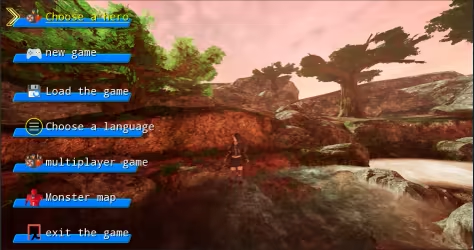
This is a third-person 3D real-time battle game. Players can choose different heroes, use different skills to kill monsters, gain experience and followers. The enrolled followers can be arranged in different formations to fight with the heroes. There are red monster refresh points on the map, and some monsters will be refreshed at regular intervals. When the total number of monsters exceeds 100, the game fails. When the hero level reaches level 10 and multiples of level 10, the challenge is successful, and then the player can choose to continue the challenge or quit the game. The hero only needs to stand on the red refresh point for a certain period of time to turn the refresh point into green. At this time, the monster's refresh time will be extended. When the hero is upgraded, the hero's level, ranking and time used will be recorded on the leaderboard. The time is in seconds. The main interface of the game is shown below:
2: Hotkey function
X: Select the hero.
Enter: Join or leave the formation.
C: Show or hide the formation.
Z: Release skills.
V: Show or hide followers.
Q: Show or hide tasks.
W, S, A, D: mobile hero.
↑, ↓, ←, →: Move the position of the hero or follower in the formation.
1~8 number keys: select the corresponding follower.
W, S, ↑, ↓: select menu or language.
3: Main menu
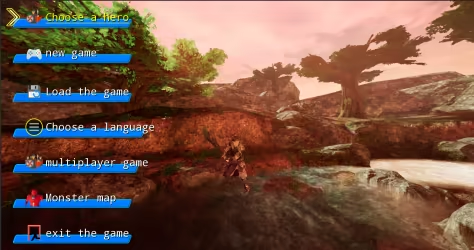
The main menu includes hero selection, new game, loading game, language selection, multiplayer game, monster map, and exit game.
4: Choose a hero
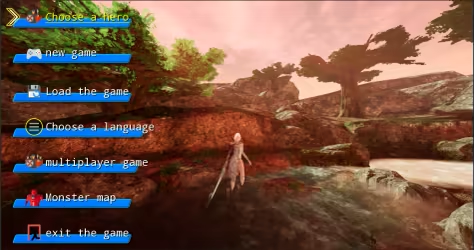
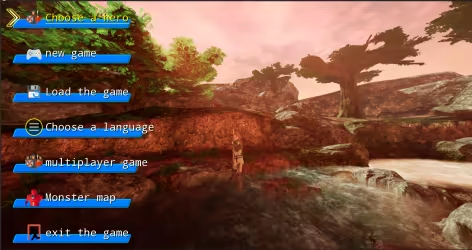
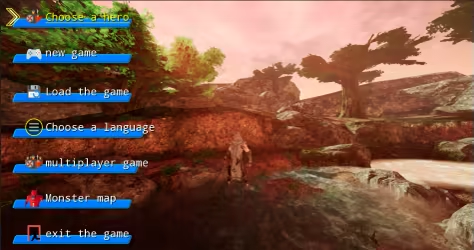
Click the Select Hero button to select different heroes.
Hero One is shown in the picture below:
Hero Two is shown in the picture below:
Hero Three is shown in the picture below:
Hero Four is shown in the picture below:
Hero Five is shown in the picture below:
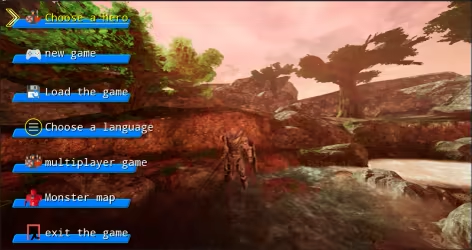
Hero Six is shown below:
5: New game
Click the new game button to start the game.
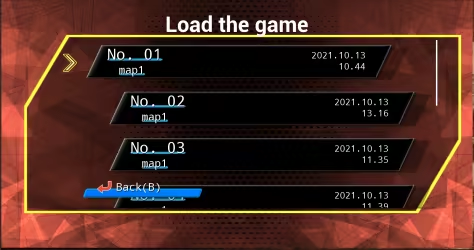
6: Load the game:
Click Load Game to load the saved game. As shown below:
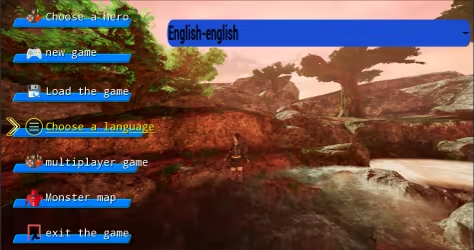
7: Choose language:
Click Choose Language to choose the language used in the game interface. The game supports a total of 24 languages. Language can be selected by W key, S key or up and down keys. As shown below:
8: Multiplayer games
Multiplayer games will be launched in subsequent versions. As shown below:
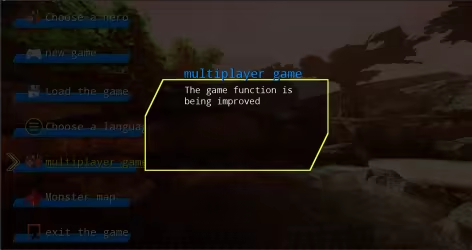
9: Monster Map
Click on the monster map to browse the monsters that appear in the game. There are eight types of monsters, divided into green, blue, and red. The abilities are enhanced in turn, with melee and ranged. As shown below:
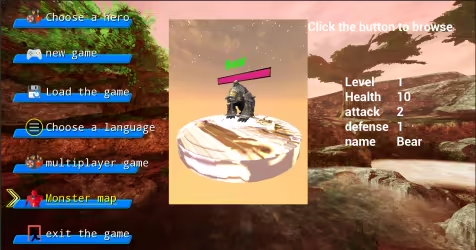
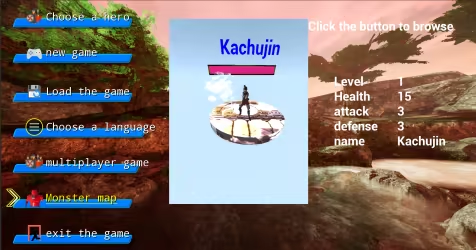
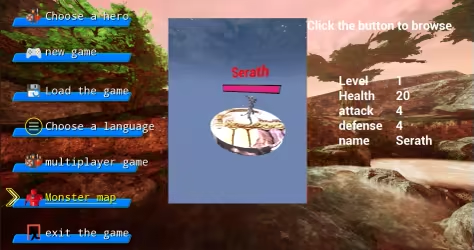
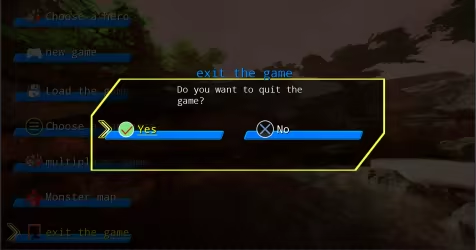
10: Quit the game
Click to exit the game, as shown below:
11: Game interface
Click New Game to enter the game interface. As shown below:
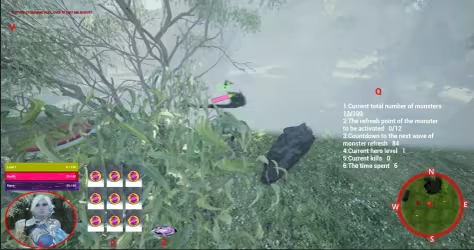
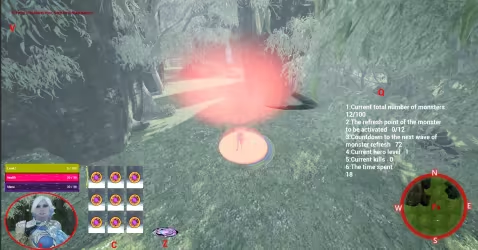
The lower left corner is the hero information area, which will display the current level, life and magic value. Press the hot key X to select the hero, and a red circle will be displayed. Press Enter again to make the hero join or leave the formation. The up, down, left, and right keys will adjust The position of the hero in the formation. Hotkey C displays the hotkey corresponding to the formation. Pressing the C key will show or hide the formation. The hot key Z corresponds to the skill key, and pressing the Z key will launch the skill. The hot key V in the upper left corner is used to display and hide follower information. The Q key on the right is used to display and hide task information. The mini map will show the hero's current location and direction. Press the corresponding number keys 1~8, the corresponding follower will be selected, press the Enter key to join or leave the formation, the up, down, left, and right keys will adjust the position of the follower in the formation.
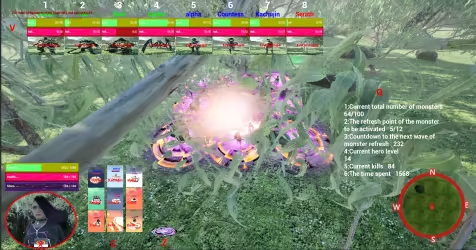
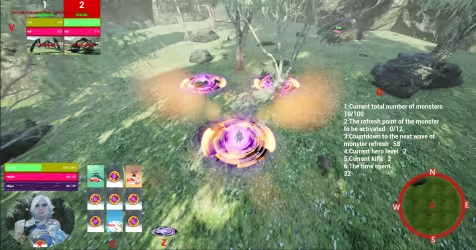
12: Monster refresh point
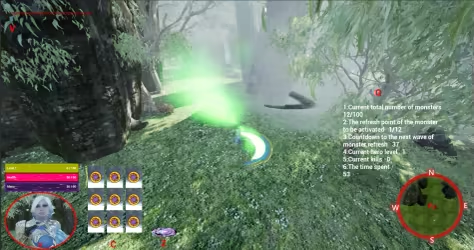
Every once in a while, the monster refreshes from the refresh point, and the hero stands on the refresh point until the refresh point turns green, which can extend the monster's refresh time. As shown below:
13: Pause the game interface
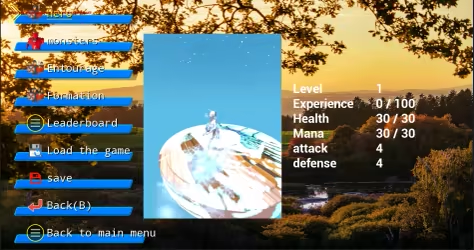
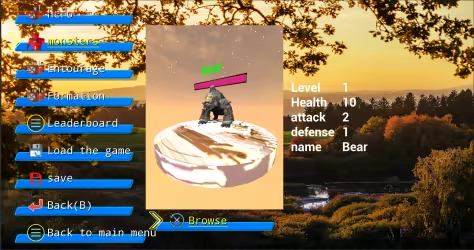
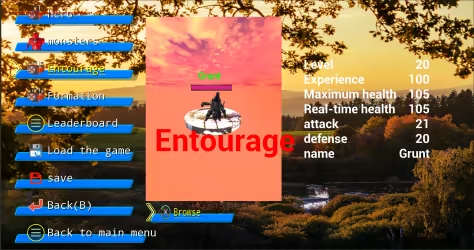
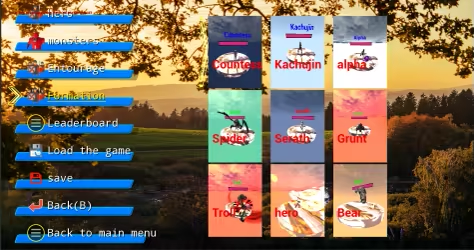
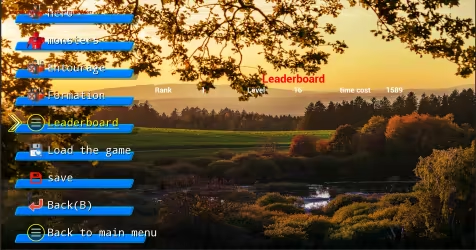
Press Esc or P to bring up the pause interface. The menu includes: hero, monster, entourage, formation, leaderboard, load game, save, back(B), and return to the main menu.
Hero sketch:
Monster sketch:
Schematic diagram of the entourage:
Schematic diagram of formation:
Leaderboard diagram:
Game details
Game details
Age ratings
Game modes
Languages
HeroBattle price history
Lowest tracked price: €2.39 (Jul 7, 2026) · current best: €2.39.
HeroBattle reviews
0% positive reviews all-time.
HeroBattle — frequently asked questions
Where can I buy HeroBattle at the cheapest price?
Right now the cheapest offer for HeroBattle is €2.39 at Steam. KingsPrice compares 1 offers from 1 stores — official stores and keyshops — and refreshes prices throughout the day.
What is the lowest price HeroBattle has ever been?
The lowest price KingsPrice has tracked for HeroBattle is €2.39 (recorded on Jul 7, 2026). This covers the stores and period we monitor — set a price alert to catch the next drop to that level.
How can I get HeroBattle at a discount?
Create a free price alert on this page and KingsPrice will email you when HeroBattle drops below your chosen price. The biggest discounts usually appear during seasonal Steam sales and publisher promotions — the sale calendar on this page shows the next confirmed event.
System requirements
Minimum
- OS: win10
- Processor: Intel(R) Core(TM) i5-6500 CPU @ 3.20GHz 3.20 GHz
- Memory: 8 GB RAM
- Graphics: AMD Radeon R9 270
- Storage: 16 GB available space
Recommended
- OS: win10
- Processor: Intel酷睿 i5-11400
- Memory: 16 GB RAM
- Graphics: 华硕DUAL-RTX3060-12G
- Storage: 32 GB available space


