Loading…

Not Just an Alt Tab replacement, but a suite of Visual Enhancement, "QOL" and Productivity Upgrades. Enhance your multitasking capabilities. Allows setting Video, GIFs, or Images for the Background / Items and Icons. Searchbar / Filter (Automatically Accepts Input) Steam Workshop Support and More!
Price history tracked since Jul 7, 2026 · vs all tracked offers.
Based solely on tracked price history — not purchase advice.
Tracked since Jul 7, 2026.
Steam Train Fest starts Jul 20, 2026
Official stores with direct support.
Lowest tracked price: PLN 30.00 (Jul 7, 2026) · current best: PLN 30.00.
100% positive reviews all-time.
Right now the cheapest offer for Alt Tab Toolkit is PLN 30.00 at Steam. KingsPrice compares 1 offers from 1 stores — official stores and keyshops — and refreshes prices throughout the day.
The lowest price KingsPrice has tracked for Alt Tab Toolkit is PLN 30.00 (recorded on Jul 7, 2026). This covers the stores and period we monitor — set a price alert to catch the next drop to that level.
Create a free price alert on this page and KingsPrice will email you when Alt Tab Toolkit drops below your chosen price. The biggest discounts usually appear during seasonal Steam sales and publisher promotions — the sale calendar on this page shows the next confirmed event.
This application replaces the classic Alt-Tab switcher with a fluid, and deeply configurable suite of tools.
Animated UI: Set backgrounds of the window and Alt Tab Items to Custom Images, GIFs, or Videos!
Custom App Icons: App Icons can be substituted for custom images, including animated ones. (These custom app icons are used universally in this app, including DLC features like app launch animations, and the app launcher)
Total Visual Control: Change everything from shapes and layouts to fonts and colors. Use solid colors or create complex gradients.
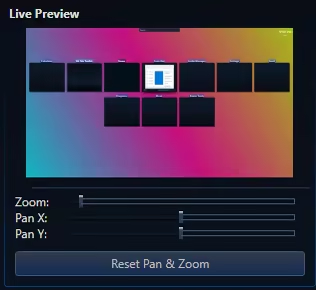
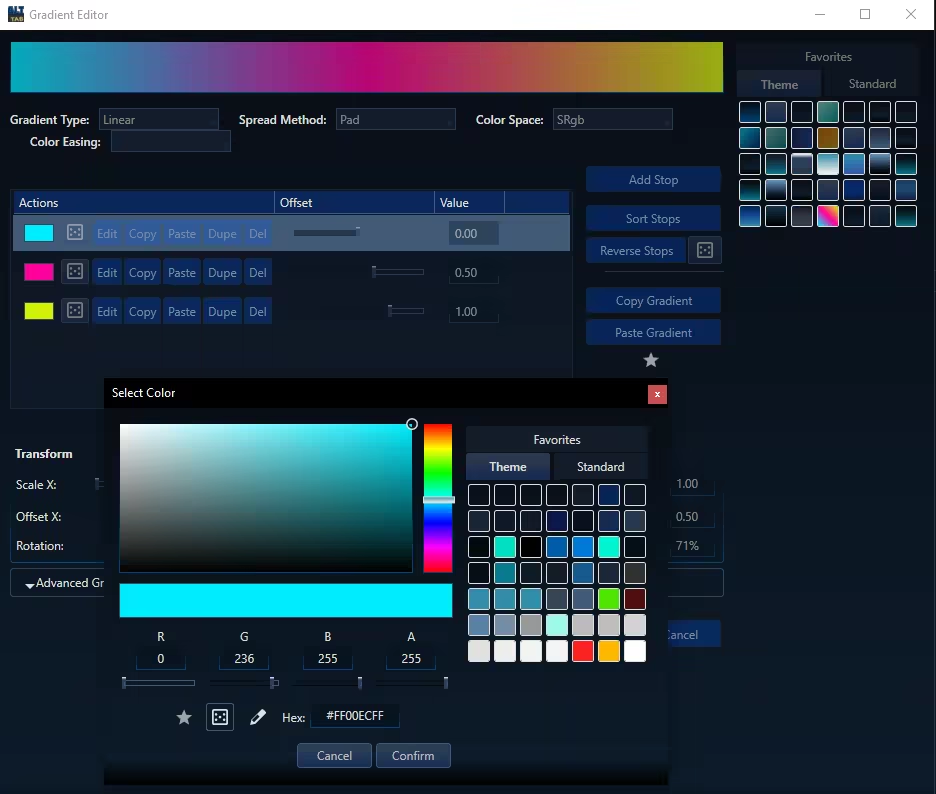
Steam Workshop Support: Share your unique designs and download themes from the community for free.
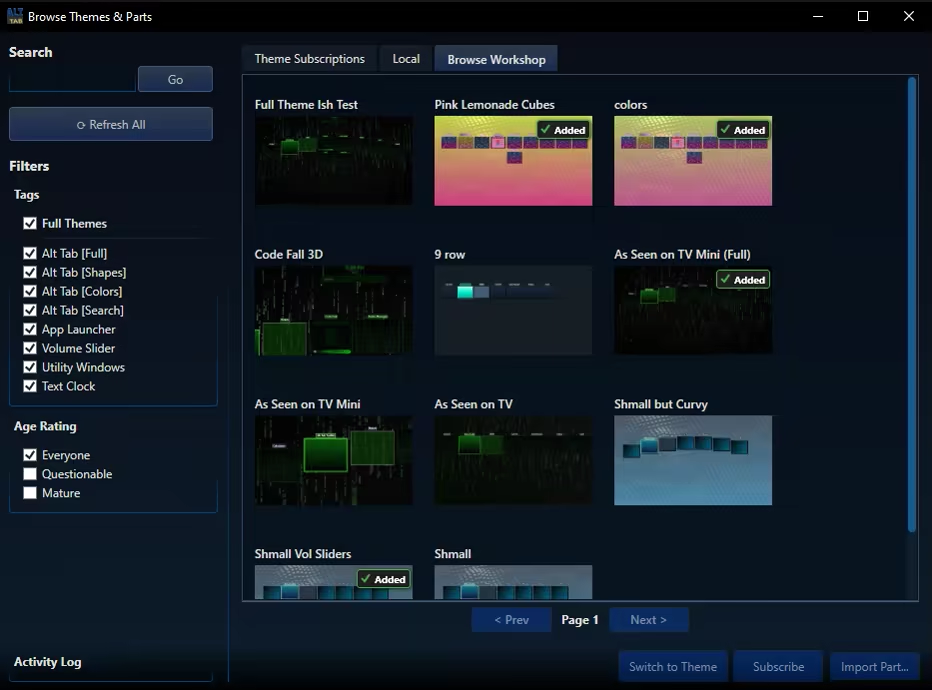
Modular Themeing: Pick and choose which parts you like from different themes.
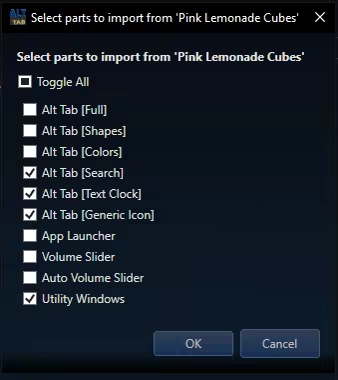
Sorting Options: 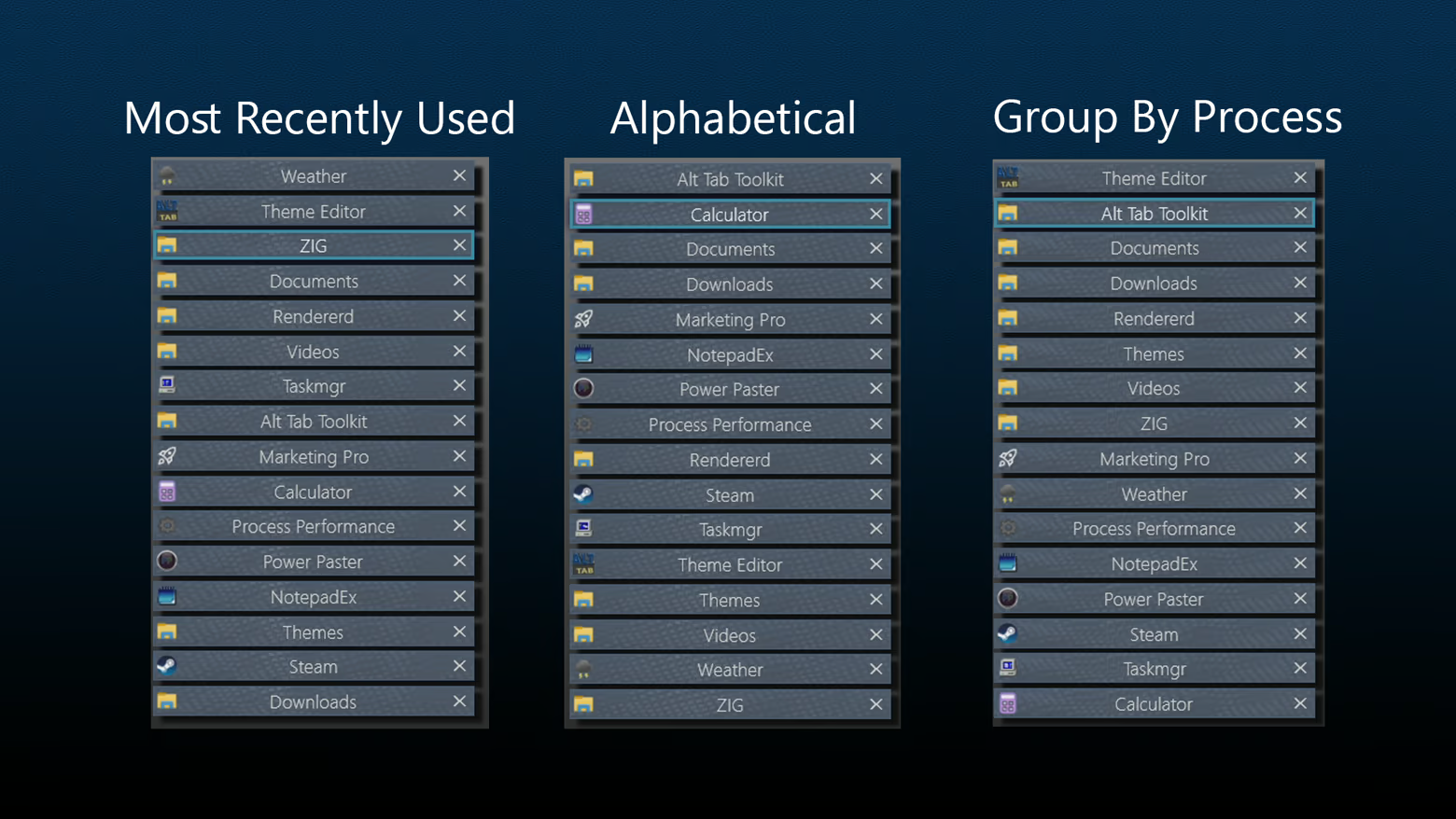
Improved Navigation: Navigate the Alt Tab menu using keys, mouse clicks, or Mouse Wheel Scrolling.
Move Monitors: Swiftly change what monitor a given window resides on
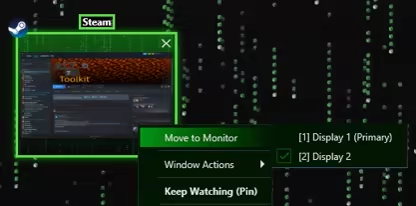
Keep Watching: This feature displays the contents of a given window in a duplicate window, which may become transparent and click-thru on hover. Awesome for single monitor work flows and watching a video while working, or quickly duplicating a screen for a multi monitor setup.
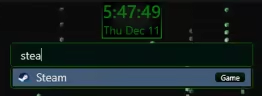
Searchbar / Filter: Any time you type while the alt tab window is open it automatically begins typing in the searchbar. This acts as a filter (i.e. typing "Th" would filter to windows like "Theme Editor"). For DLC owners, the search bar doubles as an app launcer, using the same apps you have registered with the app launcher itself.
Tags may also be applied to any "App item" (i.e. "Game") and will be included in search filtering
Highly Customizable UI: Precisely control the size, spacing, and flow of application windows within the switcher to create the perfect layout for your workflow.
Blacklist Support: Hide certain windows from appearing in your Alt Tab window at all! (Toggleable)
Lock / Toggle Alt Tab Window: Option to make the alt tab window "toggle on" instead of staying visible only while alt is held.