Album3D
Not a flat photo viewer—Album3D is a game-like 3D photo experience that turns your photos into 3D albums you can manually explore. Import large photo libraries, switch 3D views/layouts, and enjoy manual mode, slideshow, or flythrough—fast and fun.

Offers
What are keyshops?Official stores
Official stores with direct support.
Demo (1)
Try this game before buying.

About Album3D
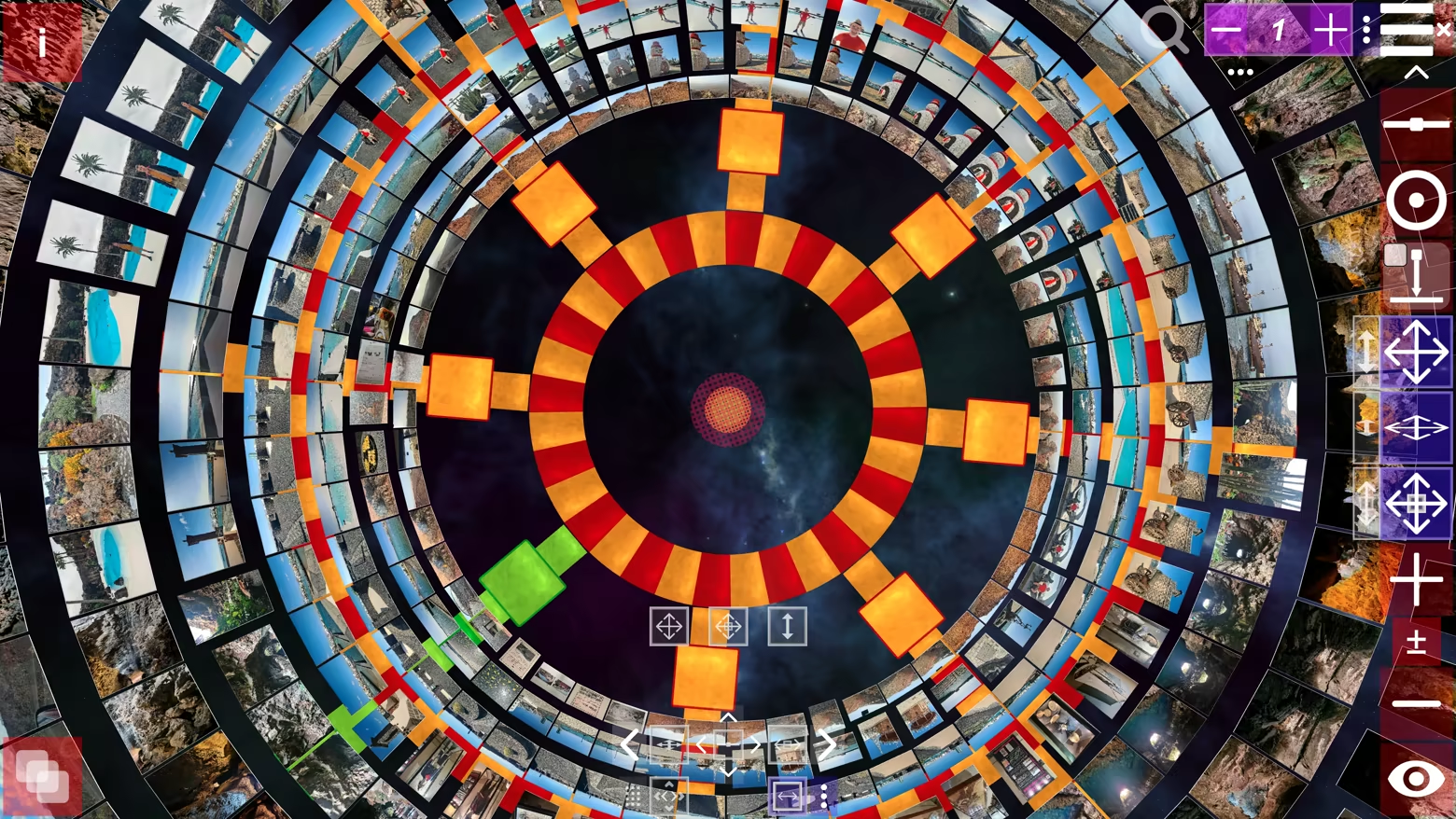
Not a flat photo viewer—Album3D is a game-like 3D photo experience that turns your photos into 3D albums you can manually explore. Instead of scrolling endless rows, you browse by moving through an immersive 3D world and switching between multiple 3D views/layouts anytime.
What makes it different
Album3D is built around the idea that photos are more fun (and often faster) to revisit when they live in a 3D scene you can explore. It’s designed to feel playful and game-like without requiring gaming skills.
Manual exploration that feels like flying: smoothly fly toward photos and glide through your album
Switch views/layouts anytime: instantly change how your album is arranged in 3D
Made for big libraries: organize content into image sets so you can keep browsing comfortably
Import formats
Supported import formats: JPEG, PNG, BMP, and WebP. Photo importing uses credits (virtual currency). Credits can be purchased, and importing requires an online connection.
Explore in an immersive 3D world
Manual exploration is the core experience. Selecting a photo smoothly takes you to it, and navigation feels more like flying than walking.
Viewing modes
Manual Mode: explore freely and browse at your own pace
Slideshow Mode: sit back and enjoy an automated viewing flow
Demo Flythrough: an automatic flythrough that tours your 3D album
Albums, slides, and 3D placement
In Album3D, an album is made of slides: each slide is a 3D placement of an image in the world. This lets your photos become something you can move through, not just flip past.
Views & layouts (switch anytime)
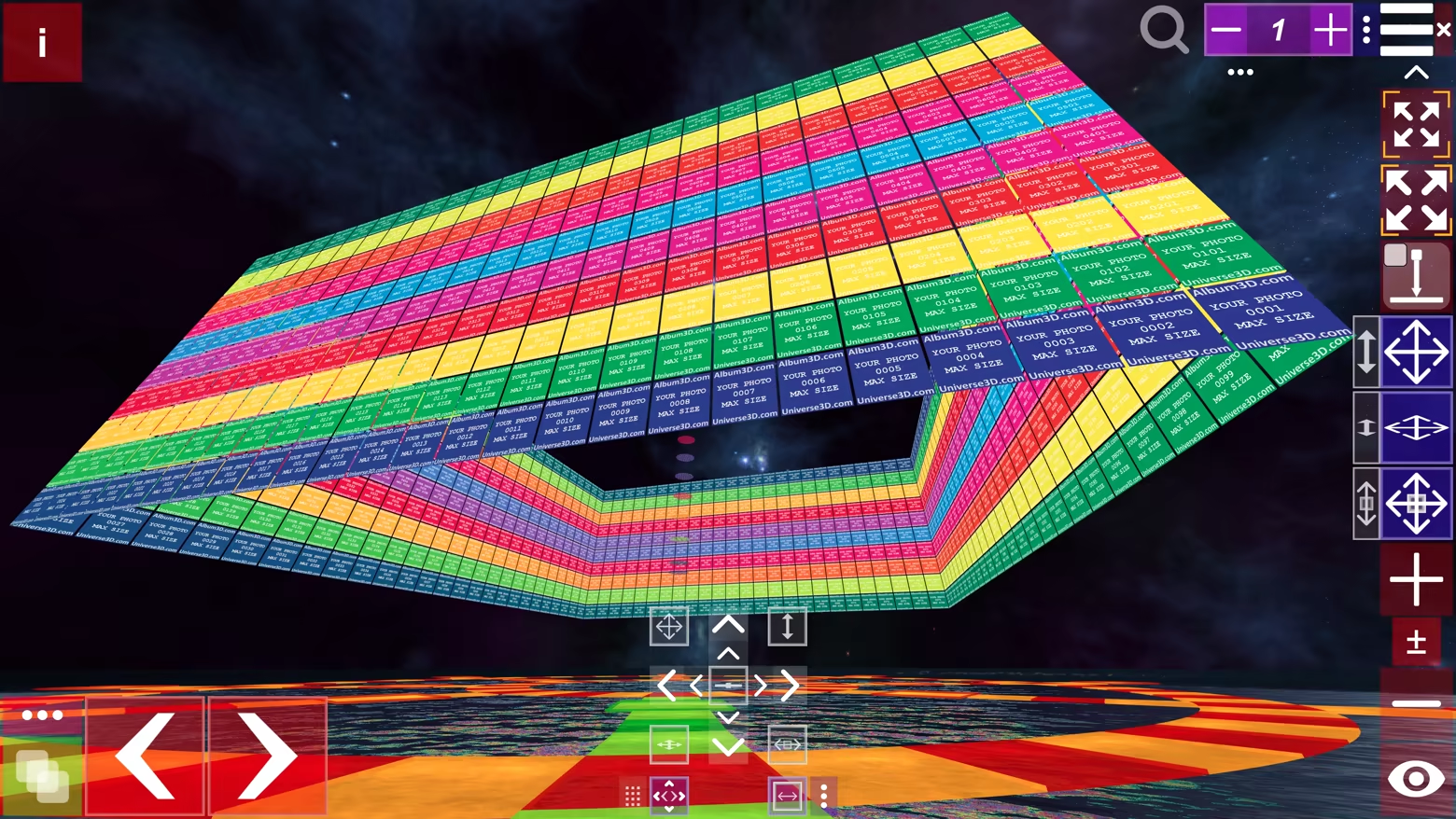
Album3D includes multiple 3D views/layouts you can switch on the fly. Different layouts can feel more organized, more cinematic, or more exploratory—pick what fits your mood and your content.
Built for large photo libraries
Album3D is designed for large collections. Instead of being limited by how many photos fit comfortably in one scene, you can organize your library into multiple image sets—and keep multiple albums in the same project.
Multiple albums per project
Keep multiple albums inside a single Album3D project. Organize by trip, year, family, events, or any system you like, and jump between albums without leaving your project.
Projects, packages, and sharing
Save projects: keep building and revisiting your Album3D world over time
Create packages: archive an album or move it between computers
Share with others: send a project or package to someone else so they can open it on their computer
Who it’s for
People with large photo libraries who want a faster, more enjoyable way to revisit them
Photographers/creators who want a more spatial, gallery-like browsing feel
Anyone who wants their photos to feel less like files—and more like a place to explore
Themes and future expansion
Album3D currently includes one main theme with multiple views/layouts. We plan to expand Album3D over time with additional themes/environments and view options—ranging from more realistic to more stylized depending on the theme—and some may be released as optional add-ons. Details will be shared when they’re ready.
Example images in videos and screenshots
The videos and screenshots on this page include example images to show how Album3D can look in use. Album3D does not include any images by default; it is designed for displaying your own photo and image collections. If you would like to try Album3D with sample content, you can download Album3D Demo.
Game details
Game details
Age ratings
Game modes
Languages
Album3D price history
Lowest tracked price: £8.71 (Jul 16, 2026) · current best: £8.71.
Album3D player count & reviews
0% positive reviews all-time · 0 peak players in the last 30 days.
Album3D — frequently asked questions
Where can I buy Album3D at the cheapest price?
Right now the cheapest offer for Album3D is £8.71 at Steam. KingsPrice compares 1 offers from 1 stores — official stores and keyshops — and refreshes prices throughout the day.
What is the lowest price Album3D has ever been?
The lowest price KingsPrice has tracked for Album3D is £8.71 (recorded on Jul 16, 2026). This covers the stores and period we monitor — set a price alert to catch the next drop to that level.
How many people play Album3D?
Album3D peaked at 0 concurrent players on Steam in the last 30 days (highest on Jul 10, 2026). The player chart on this page updates daily.
How can I get Album3D at a discount?
Create a free price alert on this page and KingsPrice will email you when Album3D drops below your chosen price. The biggest discounts usually appear during seasonal Steam sales and publisher promotions — the sale calendar on this page shows the next confirmed event.
System requirements
Minimum
- Requires a 64-bit processor and operating system
- OS: 10 (64-bit)
- Processor: Intel Core i5-2400 / AMD FX-6300
- Memory: 8 GB RAM
- Graphics: NVIDIA GeForce GTX 750 / AMD Radeon HD 7850 (or equivalent with at least 2 GB VRAM)
- DirectX: Version 11
- Network: Broadband Internet connection
- Storage: 400 MB available space
- Additional Notes: The minimum requirements depend on the resolution and the number of imported images and thumbnails.
Recommended
- Requires a 64-bit processor and operating system